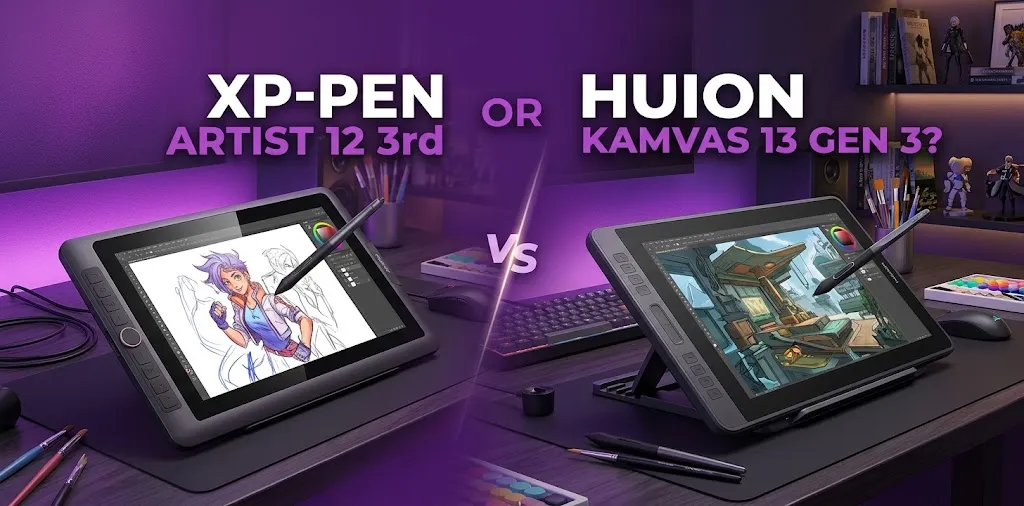
XP-Pen Artist 12 3rd or Huion Kamvas 13 Gen 3?

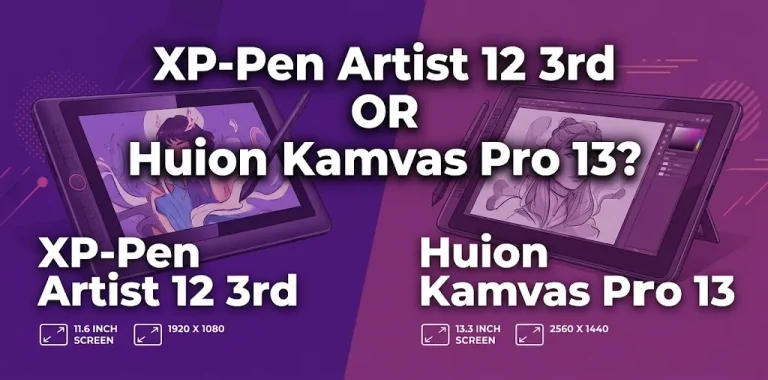
If you are choosing between the XP-Pen Artist 12 3rd and the Huion Kamvas 13 Gen 3, the better choice depends mostly on screen size, portability, pen preference, and price. The Huion is better for artists who want a larger workspace, while the XP-Pen is a stronger pick for people who want a compact tablet with more built-in controls.
Both are modern entry-level pen displays with strong specifications, so this is not a case of one being clearly bad. The differences matter more when you think about how you actually draw.
The Quick Answer
Choose the Huion Kamvas 13 Gen 3 if you want the larger 13.3-inch drawing area and a more spacious screen for desktop art software. Choose the XP-Pen Artist 12 3rd if you want a smaller, more portable display with more shortcut controls and a compact desk setup. Both offer modern 16K pressure pens and full-HD displays.
XP-Pen Artist 12 3rd vs Huion Kamvas 13 Gen 3 at a Glance
| Feature | XP-Pen Artist 12 3rd | Huion Kamvas 13 Gen 3 |
|---|---|---|
| Screen size | About 11.9 inches | 13.3 inches |
| Resolution | 1920 × 1080 | 1920 × 1080 |
| Pen pressure | 16,384 levels | 16,384 levels |
| Main advantage | Compact design and more shortcut controls | Larger drawing area |
| Color coverage | Wide Adobe RGB coverage | 99% sRGB and 90% Adobe RGB |
| Shortcut controls | 8 keys and 2 dials | Shortcut controls and dial-based workflow |
| Portability | Better for smaller desks and travel | Still portable but larger |
| Best for | Compact setups and shortcut-heavy workflows | Artists who prefer more screen space |
| Standalone device | No | No |
Manufacturer specifications and current model information should always be checked before buying, especially because bundle contents, pricing, and included accessories can vary. The Huion model uses a 13.3-inch full-HD display with factory-calibrated color modes and modern pen technology.
The Biggest Difference: 12 Inches vs 13.3 Inches
On paper, the size difference may not look huge. In daily use, it can matter.
The Huion Kamvas 13 Gen 3 gives you more physical room for your canvas, menus, brushes, layers, and reference images. This can make desktop programs such as Clip Studio Paint, Photoshop, and Krita feel less cramped.
The XP-Pen Artist 12 3rd is smaller, but that is not automatically a disadvantage. Its more compact body can be easier to fit beside a keyboard, laptop, or second monitor.
Choose the larger Huion if:
- You work with desktop art software
- You dislike small menus and interface elements
- You use lots of layers and tool panels
- You want more room for longer drawing strokes
- The two tablets cost about the same
Choose the smaller XP-Pen if:
- Your desk space is limited
- You want a lighter, more compact setup
- You travel with your drawing tablet
- You prefer a smaller drawing surface
- You value extra physical controls
A common mistake is assuming that a smaller screen is automatically worse. A compact display can actually feel comfortable for artists who work at a smaller desk or prefer shorter hand movements.
Display Quality and Color Performance
Both tablets offer a laminated full-HD pen display designed to reduce the visible gap between the pen tip and the image.
The Huion Kamvas 13 Gen 3 has one of its strongest advantages here. It offers wide color coverage, factory calibration, and strong color accuracy for everyday digital art.
That makes it a strong option for:
- Digital illustration
- Comics
- Animation
- General graphic work
- Artists who care about consistent color
The XP-Pen Artist 12 3rd also has strong color coverage and uses an etched, anti-glare drawing surface. Its smaller screen means the same 1920 × 1080 resolution is packed into a smaller area, giving the display a slightly denser appearance.
For most beginners and hobby artists, both screens should provide enough color quality for everyday creative work.
Which display feels better?
The answer depends on what you notice most.
Choose the Huion if you care more about:
- Larger screen space
- A more spacious interface
- Strong color performance
Choose the XP-Pen if you care more about:
- Compact size
- Higher pixel density
- A smaller display that fits easily into a limited workspace
Pen Experience: Which One Feels Better?
This is one of the hardest areas to judge from a specification sheet.
Both models use modern 16,384-level pressure technology. That means pressure sensitivity alone should not decide your purchase.
The more important differences are:
- Pen shape
- Grip comfort
- Tip feel
- Initial activation force
- Side-button layout
- How the pen feels during long sessions
The Huion Kamvas 13 Gen 3 uses newer pen technology designed to provide a natural drawing experience.
The XP-Pen Artist 12 3rd also uses modern stylus technology and is designed for responsive, low-force drawing.
Real-world preference matters more than pressure numbers
If you mostly draw:
- Clean line art
- Comics
- Detailed illustrations
- Small brushwork
You may care more about tip control and how the pen feels at low pressure.
If you mostly:
- Paint
- Shade
- Use broad brushes
- Work with expressive strokes
Screen size and brush movement may matter more.
Artist experiences can vary. Some people may prefer the feel of one pen over the other, so technical specifications cannot fully predict which stylus will feel better in your hand.
This is where the XP-Pen Artist 12 3rd becomes especially interesting.
Its design includes multiple customizable shortcut buttons and dual dial controls. For artists who frequently zoom, rotate the canvas, change brush size, or undo actions, physical controls can reduce the need to reach for the keyboard.
The XP-Pen is a good fit if you like building a workflow around the tablet itself.
For example, a beginner using Clip Studio Paint could assign controls for:
- Undo
- Redo
- Zoom
- Brush size
- Canvas rotation
- Eraser
- Hand tool
That can make a small tablet feel faster to use.
The Huion also offers shortcut controls, but the larger screen is usually its bigger selling point in this comparison.
Which One Is Better for Beginners?
For most beginners, the Huion Kamvas 13 Gen 3 has a slight advantage because of the larger screen.
A first-time digital artist often needs room for:
- The canvas
- Brush controls
- Layers
- Color palettes
- Reference images
- Program menus
A 13.3-inch display makes this easier than an approximately 12-inch display.
However, the XP-Pen Artist 12 3rd may be the better beginner choice if it is significantly cheaper.
A beginner does not need the largest or most expensive drawing display to learn digital art. If the XP-Pen saves you enough money to buy a good stand, software, or other equipment, that could be the smarter purchase.
Example: First digital art setup
Imagine a student with a small desk and a laptop.
The XP-Pen may be easier to place beside the laptop, and the extra shortcut controls could reduce dependence on the keyboard.
Now imagine someone using a desktop computer primarily for illustration.
The larger Huion display may feel more comfortable because the artist has more room for the canvas and software interface.
Which One Is Better for Professional or Serious Art?
Neither model is too basic for serious work.
A skilled artist can create professional illustrations, comics, designs, and animations on either tablet. The bigger question is which one fits the workflow.
Choose the Huion Kamvas 13 Gen 3 if your work involves:
- Long drawing sessions
- Detailed desktop applications
- Larger brush movements
- Complex software interfaces
- Color-sensitive creative work
Choose the XP-Pen Artist 12 3rd if your work involves:
- Limited desk space
- Frequent travel
- Heavy use of shortcut controls
- Compact workstation setups
- A preference for smaller pen displays
For serious artists, the Huion’s larger screen may be easier to work on for several hours at a time. But artists who rely heavily on physical shortcuts may find the XP-Pen workflow more efficient.
Portability and Desk Space
The XP-Pen wins this category.
The Artist 12 3rd is easier to recommend for:
- Dorm rooms
- Small apartments
- Student desks
- Laptop users
- Artists who travel
The Huion is also portable, but its larger screen naturally takes up more space.
Still, the XP-Pen’s smaller display gives it an advantage if every inch of desk space matters.
One thing to remember
These are pen displays, not standalone tablets.
You normally need to connect them to a compatible computer or other supported device. You cannot use them like a self-contained iPad or Android drawing tablet unless your connected device provides the necessary system support.
This is an important point for beginners because a lower-priced pen display can become less convenient if you were expecting it to work independently.
Is the Huion’s Larger Screen Worth Paying More For?
Usually, yes—if the price difference is small.
A larger screen can make the drawing experience more comfortable, especially when working in full desktop software.
But the Huion is not automatically worth a much higher price.
My practical price rule
If the two tablets are within about $30 to $50 of each other, the Huion Kamvas 13 Gen 3 is usually the better value for most artists because of its larger display.
If the XP-Pen Artist 12 3rd is noticeably cheaper, the XP-Pen becomes much more attractive because its core drawing technology is still very competitive.
Current prices can change through sales, retailer bundles, and regional promotions, so compare the final checkout price rather than relying on a suggested retail price.
What You Should Buy Based on Your Needs
Buy the XP-Pen Artist 12 3rd if you want:
- A smaller and more portable pen display
- More physical shortcut controls
- A compact desk setup
- A potentially better value when discounted
- A smaller screen with the same full-HD resolution
- An easier setup for limited workspace
Buy the Huion Kamvas 13 Gen 3 if you want:
- A larger 13.3-inch display
- More room for desktop software
- Strong color performance
- A spacious drawing experience
- A tablet that may feel more comfortable for longer sessions
- The best overall fit for most first-time pen-display buyers
My Recommendation
For most people, I would choose the Huion Kamvas 13 Gen 3 if both tablets are close in price.
The larger display is the difference you are most likely to notice every day. Pen pressure numbers and technical specifications are very similar, but extra screen space can make drawing software feel more comfortable and less cramped.
I would choose the XP-Pen Artist 12 3rd instead if portability, desk space, shortcut controls, or a lower sale price matter more to you.
The XP-Pen is not the weaker choice. It simply makes a different set of trade-offs.
Before You Buy, Check These Three Things
Your computer connection
Make sure your laptop or desktop can support the required display and USB connection. Check the ports on your computer before ordering either tablet.
The bundle
One seller may include a stand, cable, pen holder, or other accessories that another seller does not. Compare the complete package, not just the tablet price.
Your return and warranty options
This matters because pen feel, screen size, and ergonomics are personal. A retailer with a straightforward return policy gives you more protection if the tablet does not suit your workflow.
FAQ
Is XP-Pen Artist 12 3rd better than Huion Kamvas 13 Gen 3?
Not overall. The XP-Pen is better for portability, compact setups, and shortcut-heavy workflows, while the Huion is generally better for artists who want a larger drawing area. The better option depends on which of those differences matters more to you.
Is the 13.3-inch Huion noticeably bigger than the XP-Pen Artist 12 3rd?
Yes, especially when using desktop software with menus and tool panels. The difference is not enormous, but the Huion gives you more room for your canvas and interface, which many artists will appreciate during longer sessions.
Which is better for a complete beginner?
The Huion Kamvas 13 Gen 3 is usually the safer choice for beginners when prices are close because the larger screen gives more workspace. The XP-Pen Artist 12 3rd is still an excellent beginner option if you need something more compact or find it at a much better price.
Final Verdict
The Huion Kamvas 13 Gen 3 is the better choice for most buyers because its larger screen provides a more comfortable workspace without moving into a much larger and less portable tablet category.
The XP-Pen Artist 12 3rd is the better choice for artists who want a compact setup, extra shortcut controls, and strong value at the right price. Before buying, compare the final price, included accessories, and your computer’s connection options—then choose the tablet whose physical size fits the way you actually work.